Features
Make it by chatting, fix it by hand. Here is what TakePilot does.
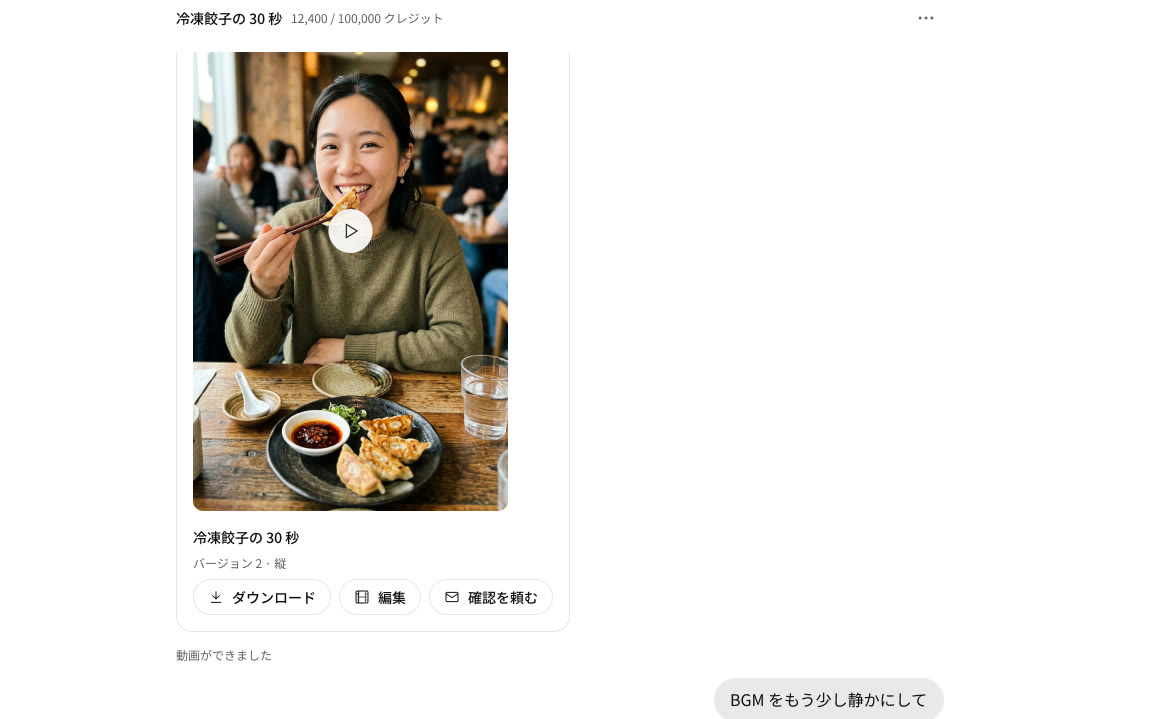
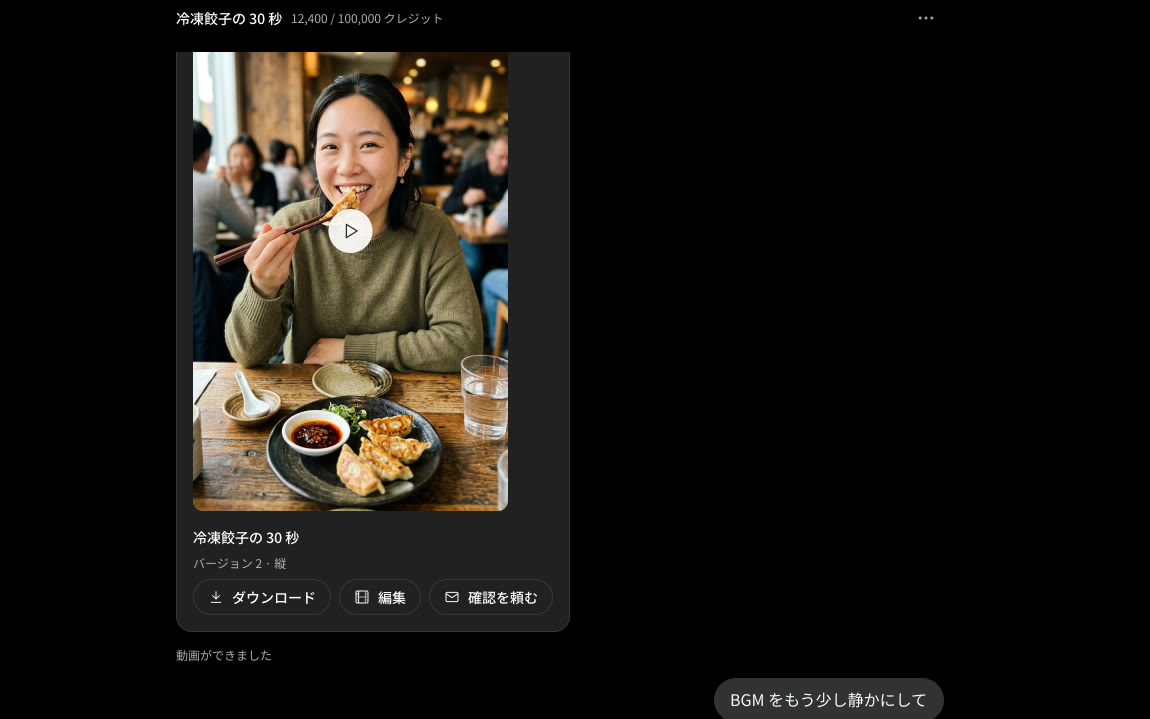
Create by chatting
Ask in one line, and the AI makes the script, voice, footage and captions.
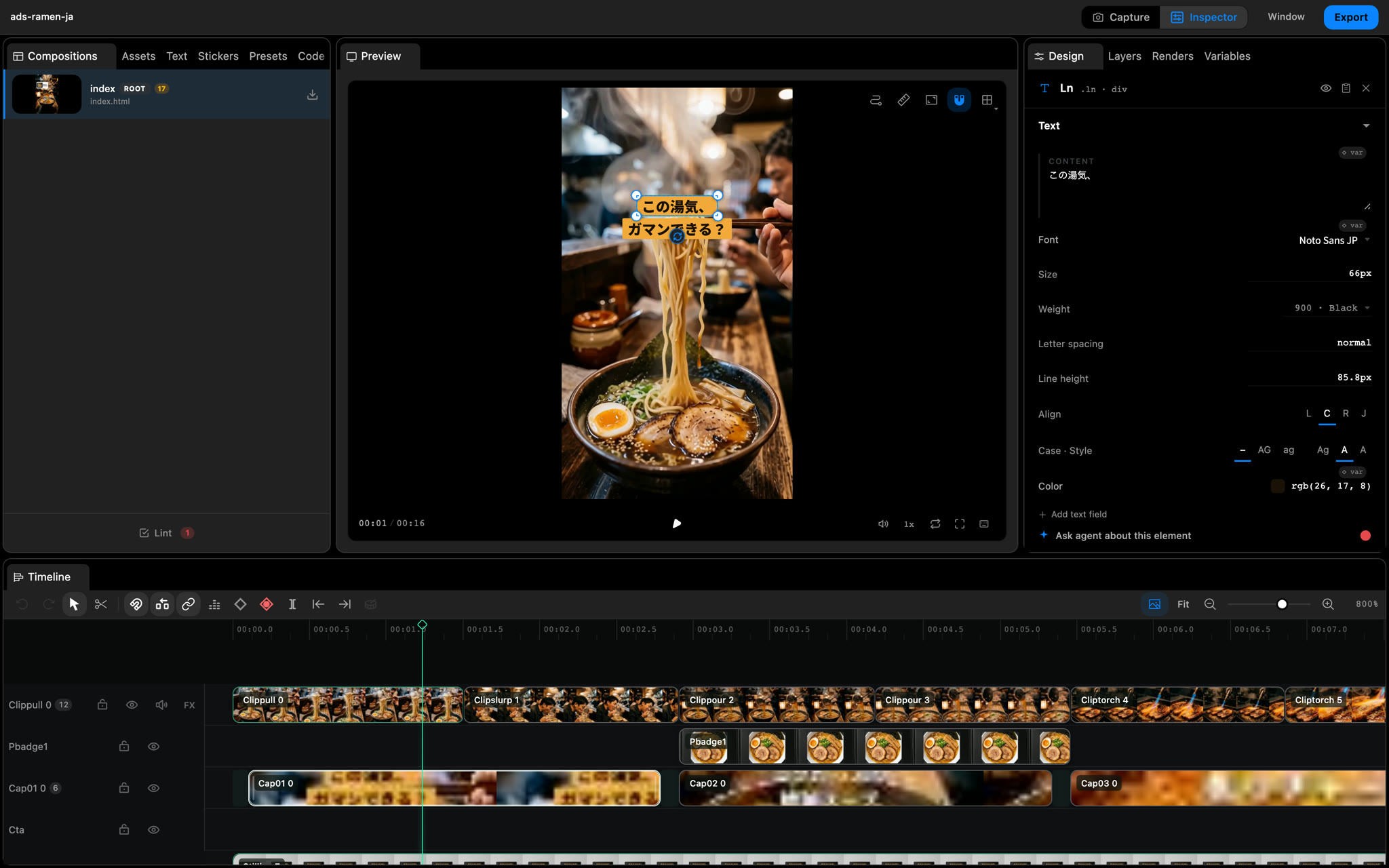
Fix it by hand
Edit the finished video right in the editor. Pick the TakePilot or the Intuitive layout.
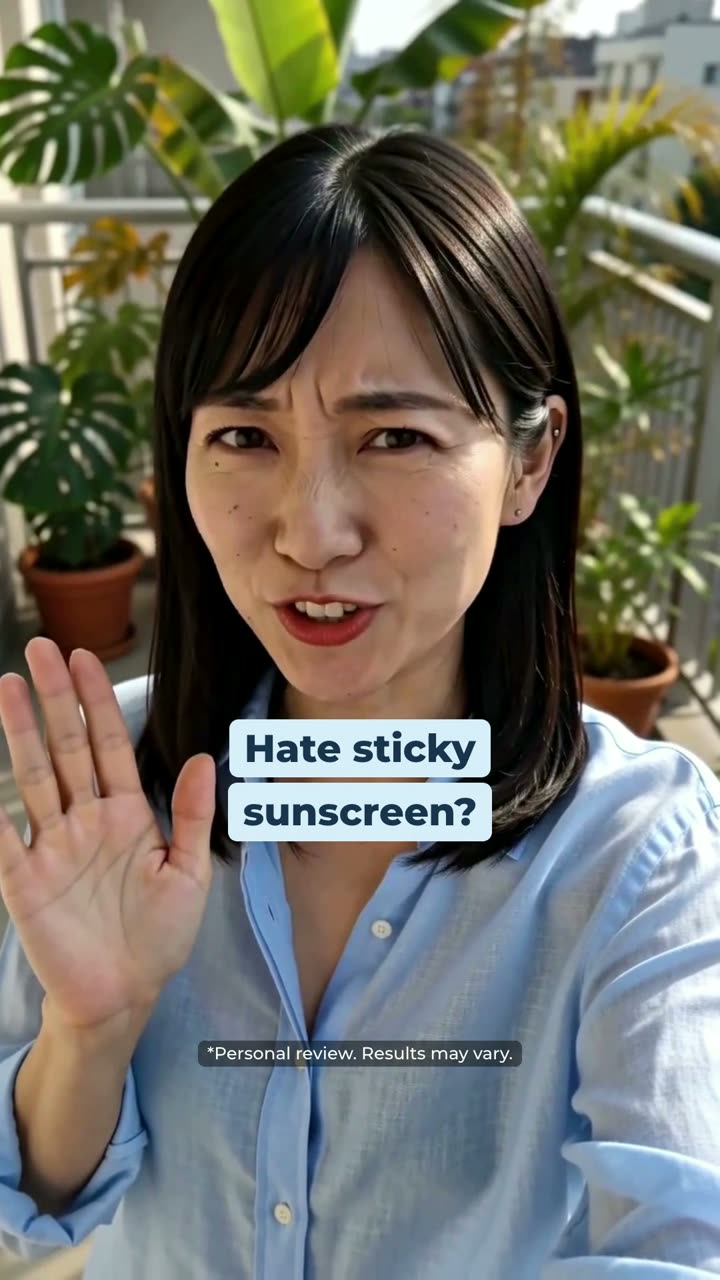
UGC · Sunscreen 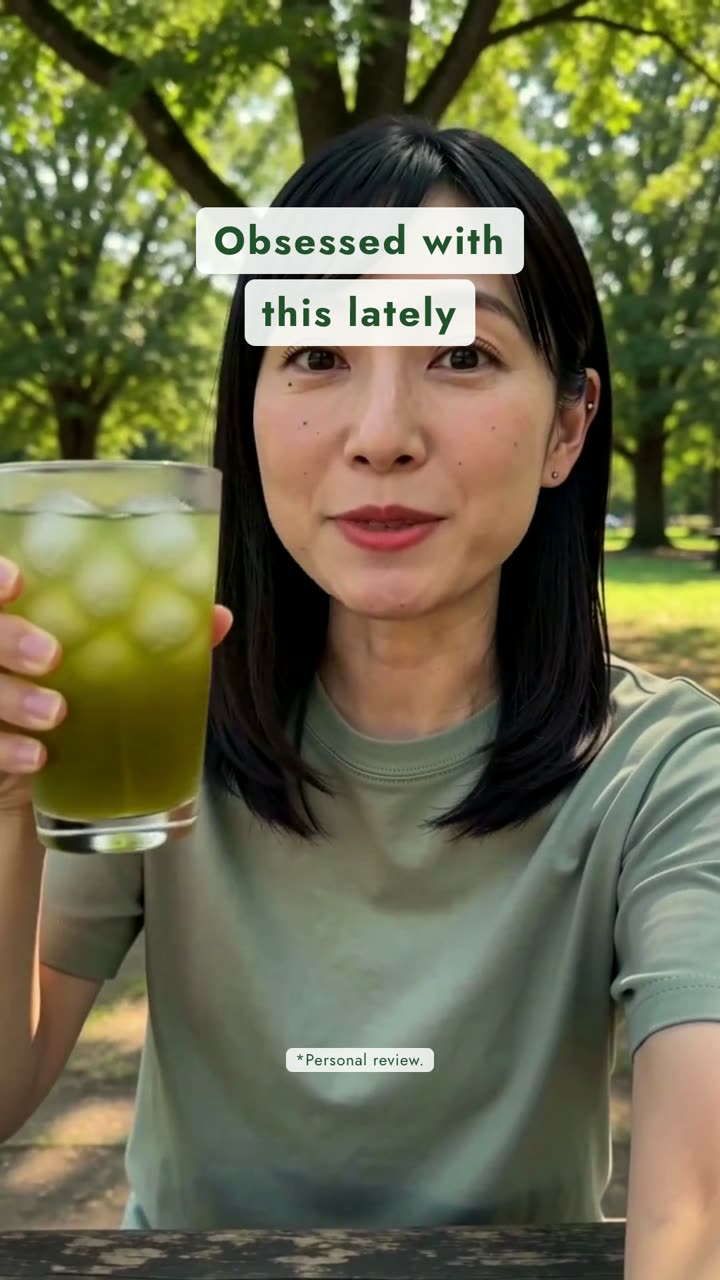
Taste test · Cold-brew tea 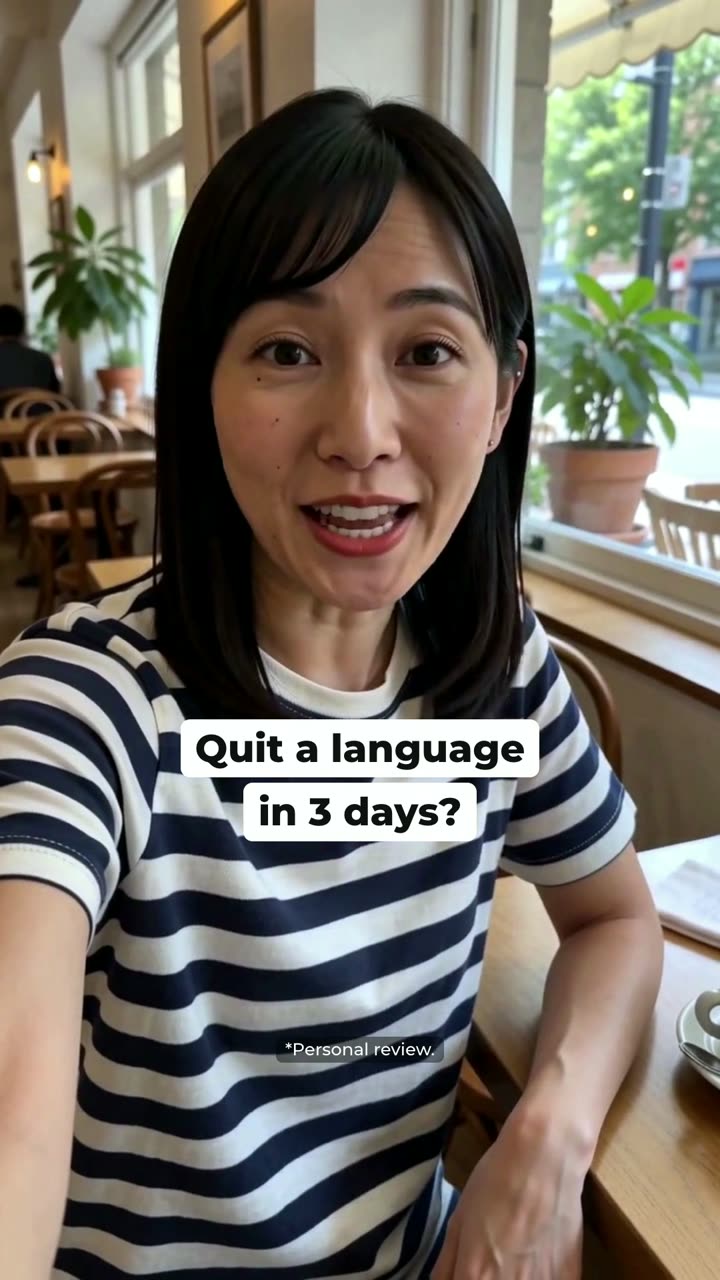
Language app
Made with your registered people and products
Register an avatar and a product, and TakePilot uses that face and packaging as the reference for your videos.
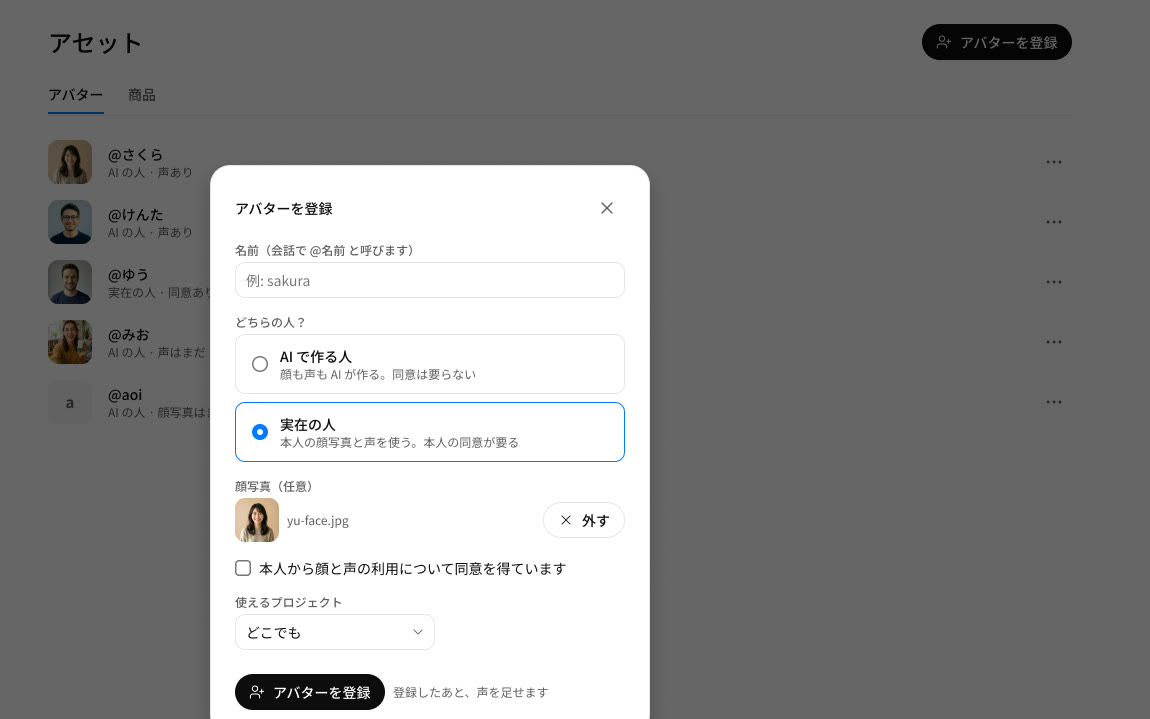
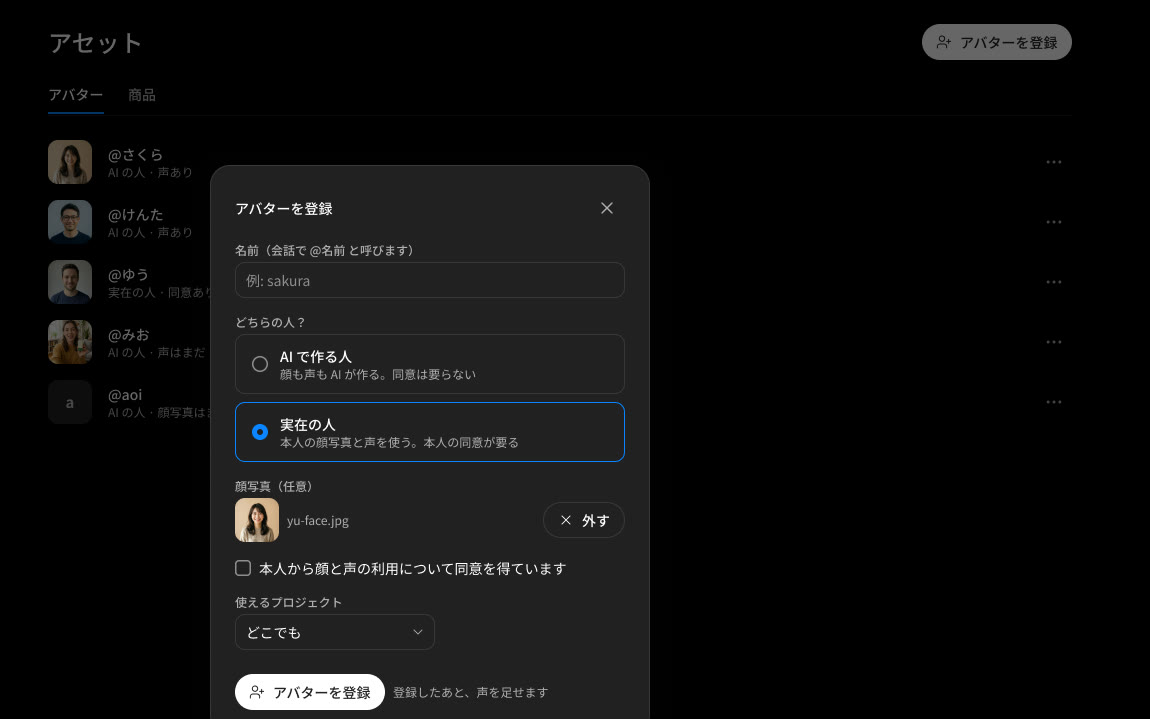
Faces and voices with consentVoice cloning: coming
A real person’s face and voice are registered only after they consent.
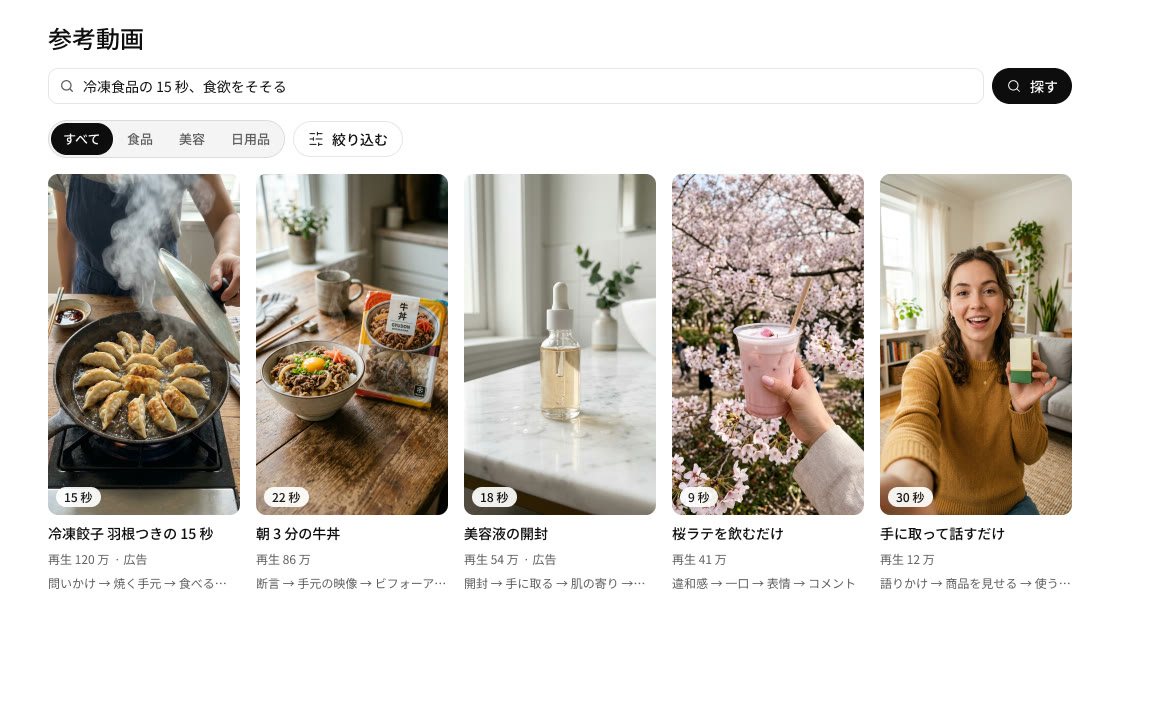
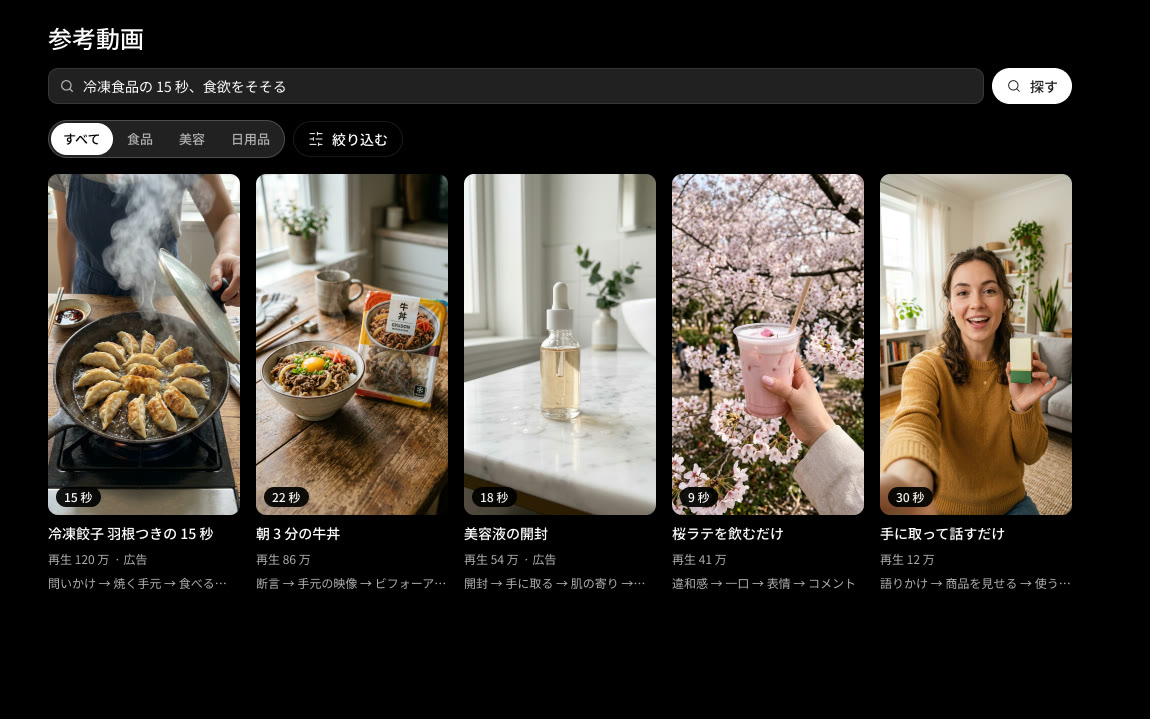
Find reference videos
Search trending ads and use them as a lead for the video you want.
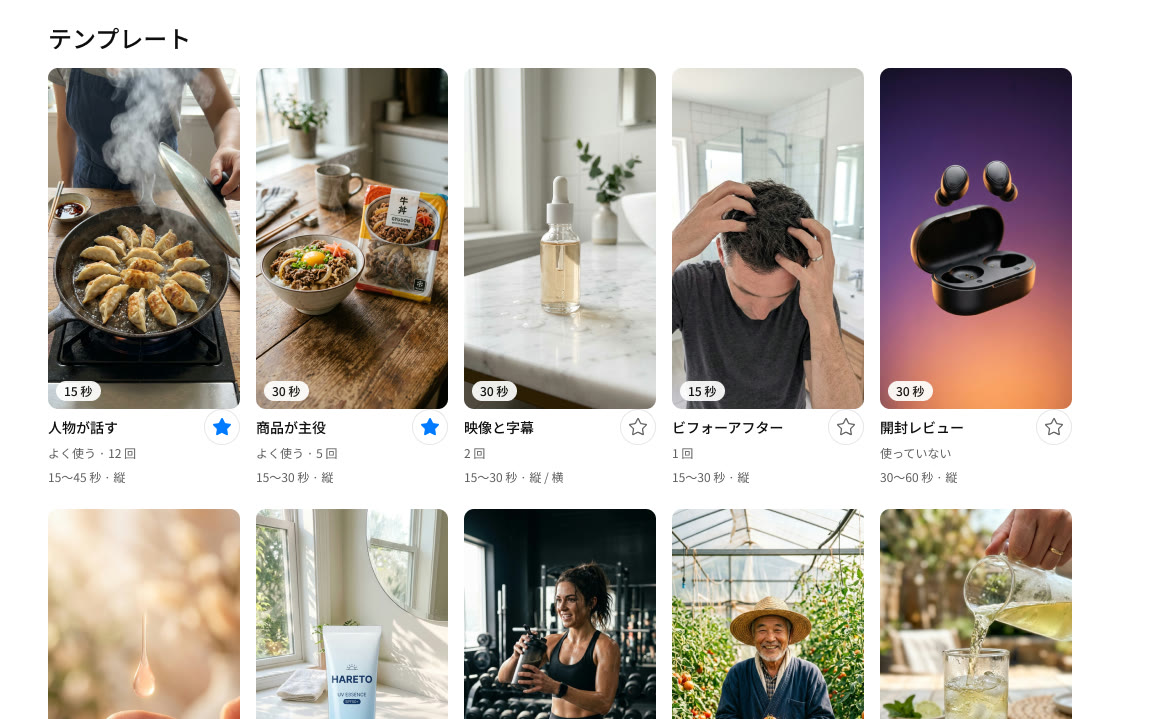
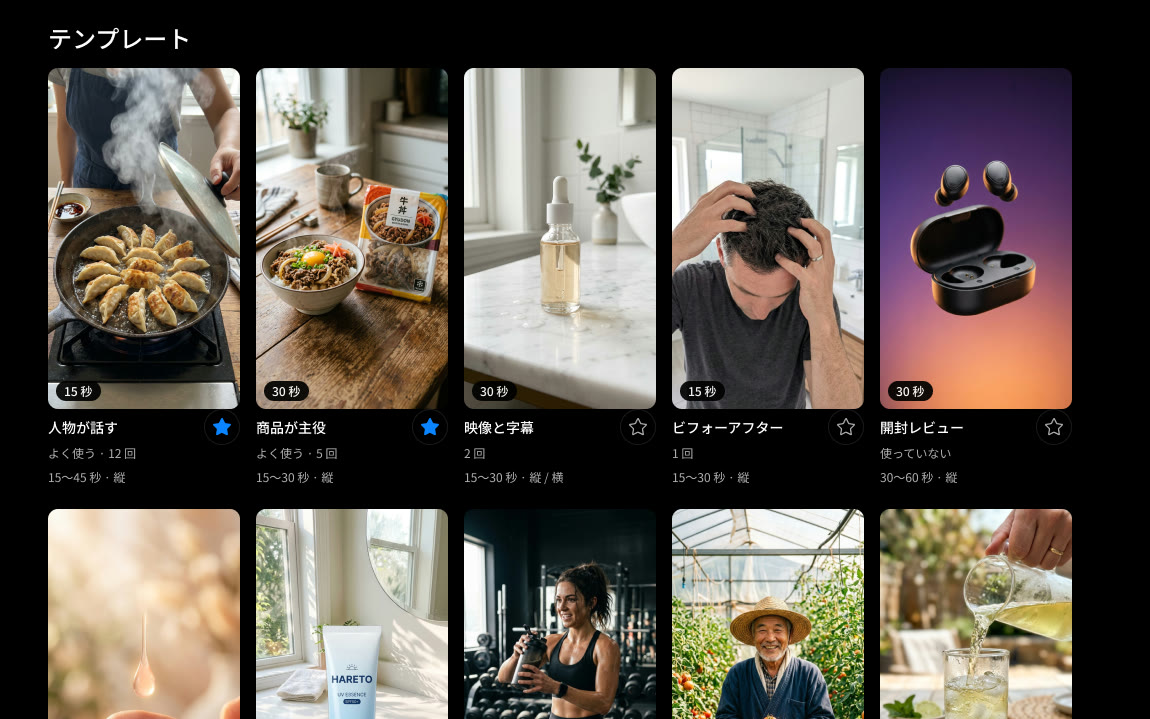
Templates and effectsMotion: coming
Start from a template and add effects such as speed lines and speech bubbles.
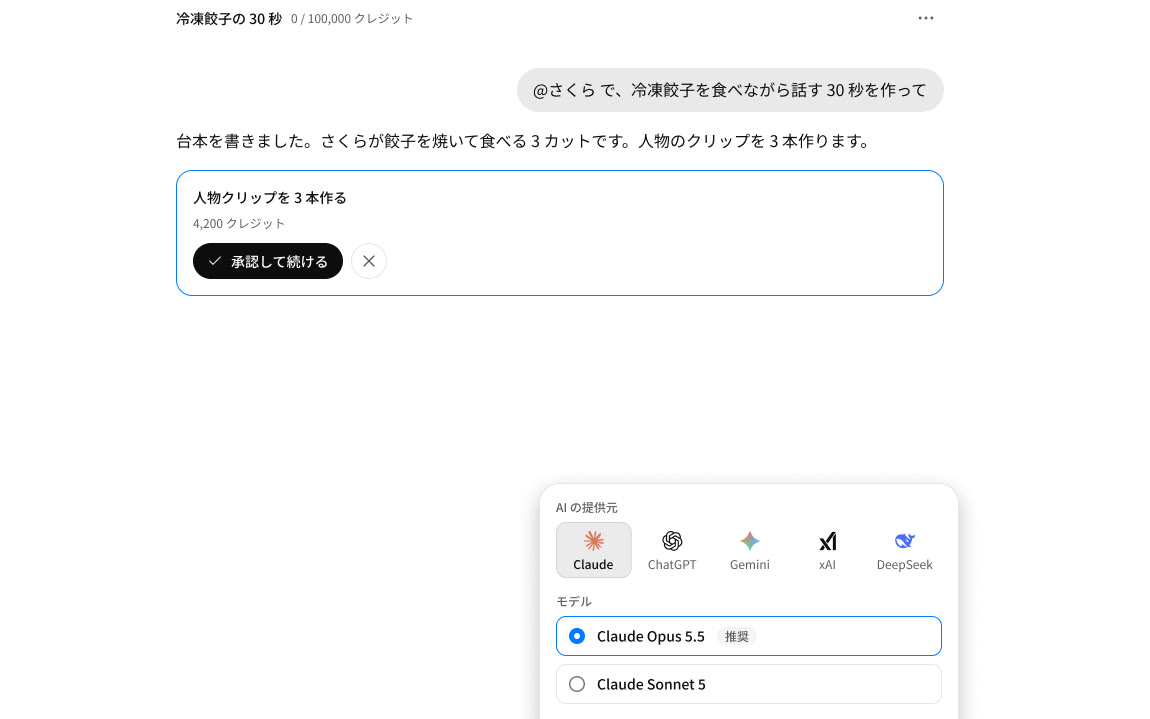
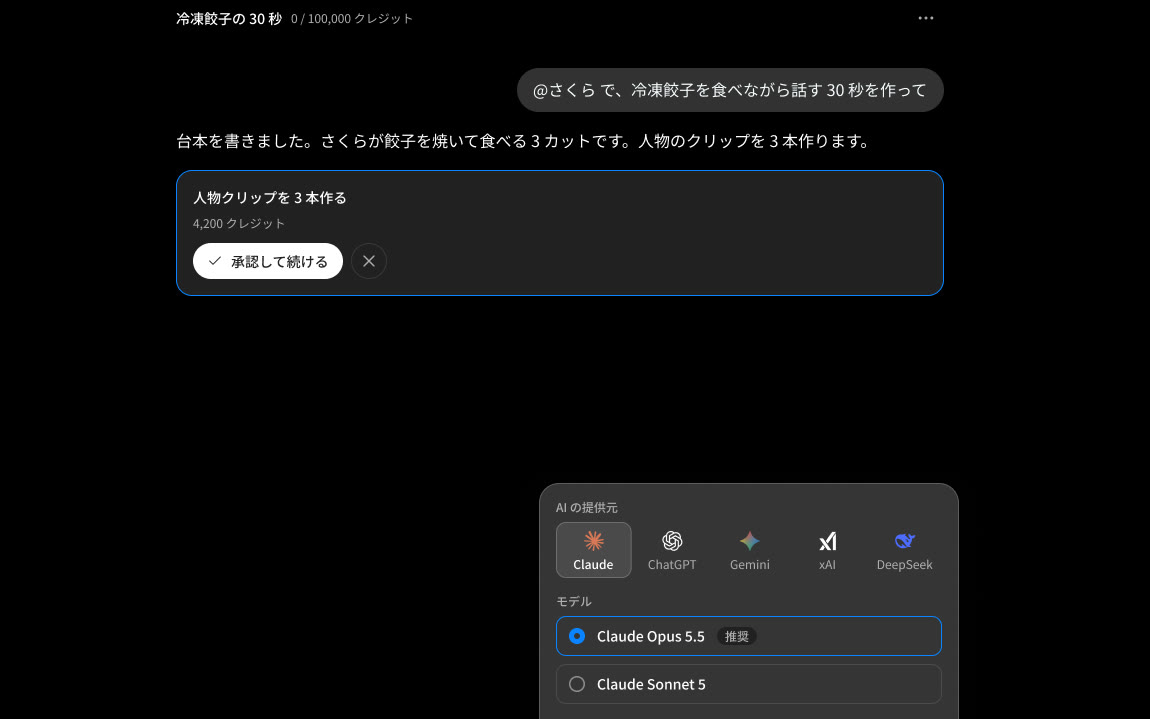
Pick your AI
Choose the AI you talk to, and how hard it thinks: Claude, ChatGPT, Gemini, xAI or DeepSeek.
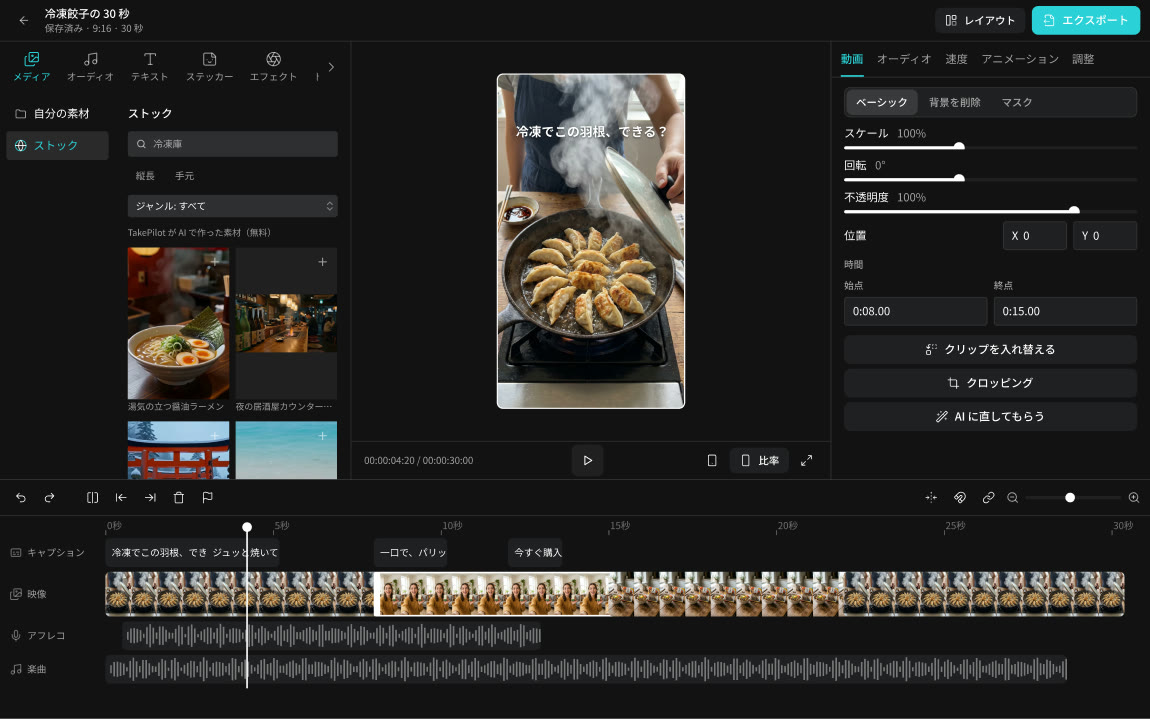
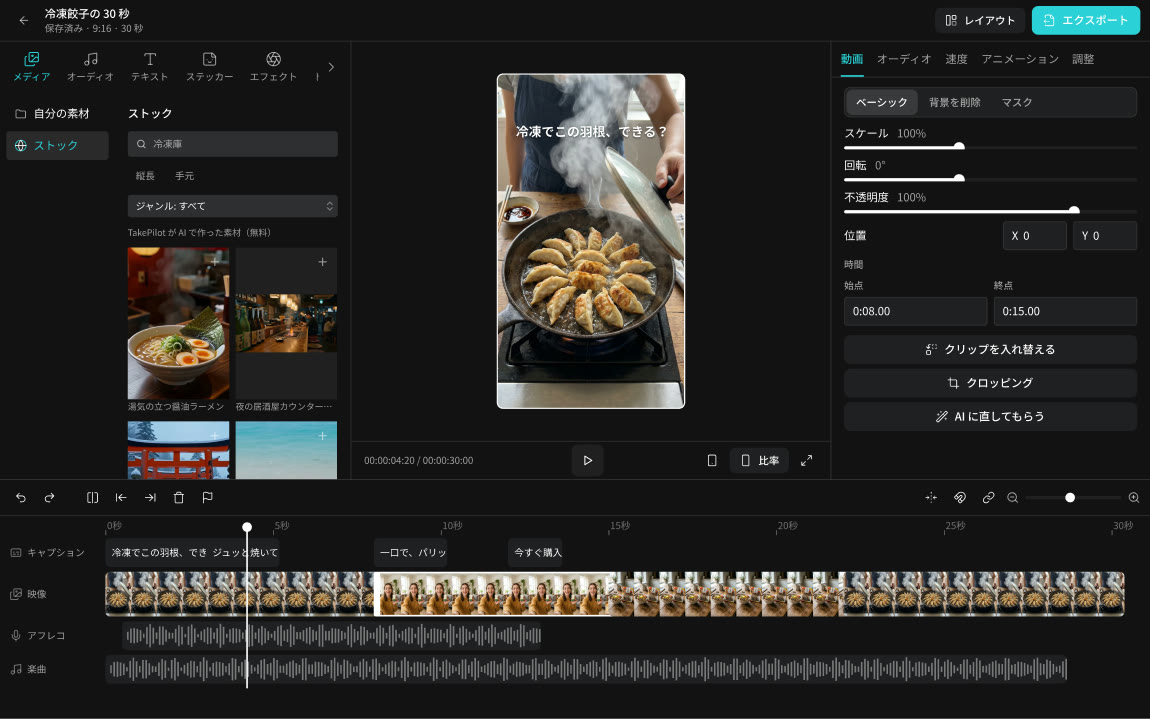
Free stock media
Stock footage, music and sound effects come at no extra cost.
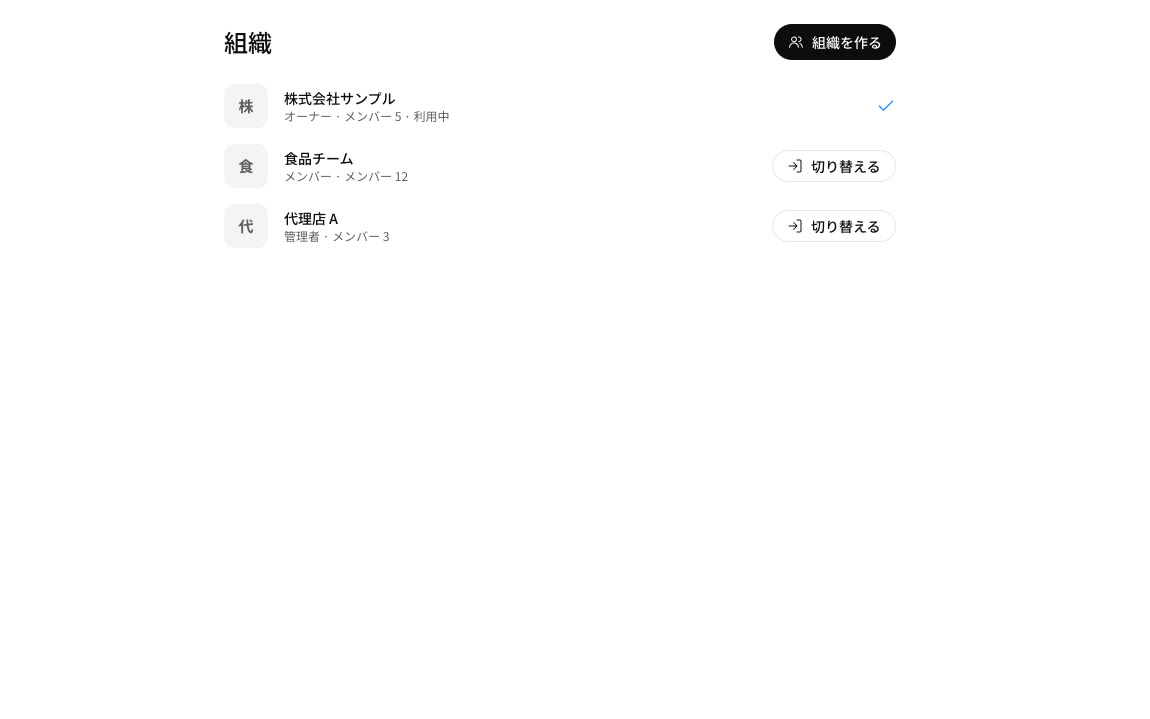
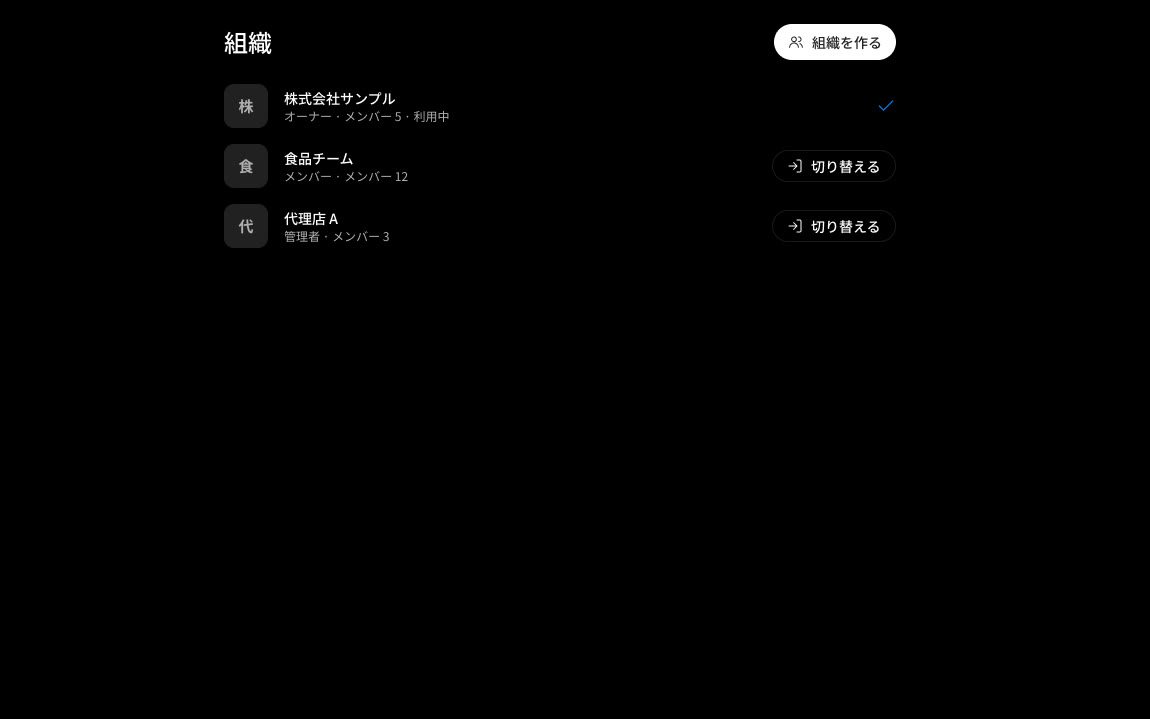
Work as a team
Keep costs and work apart with organizations and workspaces.
Coming next
Connect ad accountsComing
See how your ads perform and use it for the next video.
MCPComing
Use TakePilot from other tools.